Scannez le QR code ou ouvrez WhatsApp
Sur ordinateur, scannez le QR code avec votre téléphone. Sur mobile, touchez « Ouvrir WhatsApp » pour démarrer la conversation.
Une fuite, un ascenseur en panne, une porte qui ne ferme plus ? Signalez-le en un message WhatsApp : texte, photo ou note vocale. Vos voisins confirment en un geste et le gestionnaire est prévenu.
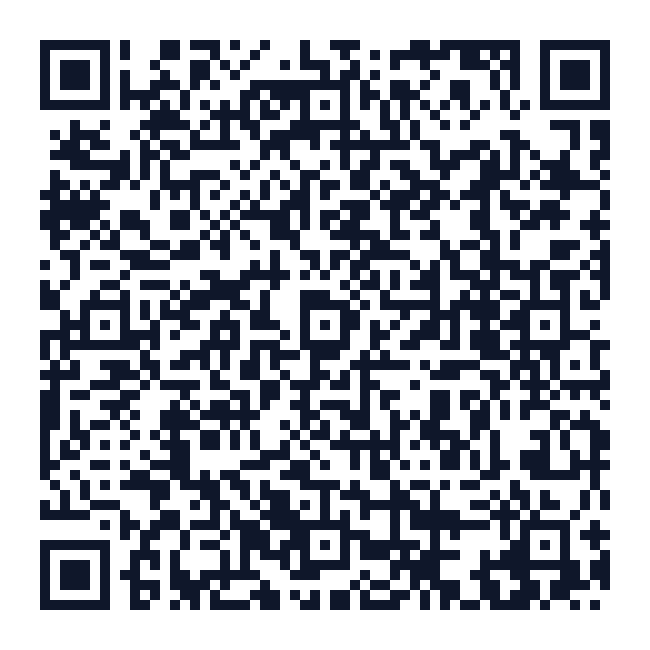
Sur ordinateur ? Scannez ce code avec l'appareil photo de votre téléphone.
L'assistant Synease vous guide pas à pas, directement dans WhatsApp.
Sur ordinateur, scannez le QR code avec votre téléphone. Sur mobile, touchez « Ouvrir WhatsApp » pour démarrer la conversation.
Envoyez l'adresse ou partagez votre position. Synease retrouve l'immeuble s'il est déjà inscrit, sinon il est créé en un instant.
Écrivez, envoyez une photo ou une note vocale. L'assistant comprend et vous pose au besoin une question de précision.
Vérifiez le résumé, corrigez-le si besoin, puis publiez-le sur le tableau partagé de l'immeuble.
Transférez le message d'invitation : vos voisins confirment en un geste et le signalement prend du poids.
Signalé, Confirmé, En cours, Résolu : vous êtes prévenu à chaque étape, directement dans WhatsApp.
Pas de formulaire : décrivez le problème avec vos mots, l'assistant en tire un résumé clair (type, lieu, urgence).
Envoyez ce qui est le plus simple sur le moment : une photo, une note vocale ou quelques mots.
Les voisins concernés confirment d'un simple bouton. Le compteur montre que le problème touche tout l'immeuble.
Le syndic ou le gestionnaire reçoit les signalements, répond et met à jour leur statut depuis WhatsApp ou son tableau de bord.
Une page partageable liste les incidents en cours, sans aucune donnée personnelle.
Votre numéro n'est jamais affiché aux voisins et les photos où apparaissent des personnes sont floutées ou écartées.
Tout ce qu'il faut savoir avant votre premier signalement.
Non. Tout se passe dans WhatsApp : inscription, signalement, confirmation et suivi.
Oui, Synease est gratuit pendant la phase pilote. Nous vous préviendrons avant tout changement.
Oui. Une photo, une note vocale ou quelques mots suffisent : l'assistant s'occupe du résumé.
Les habitants inscrits dans votre immeuble et son gestionnaire. Votre numéro n'est jamais affiché, et la page publique de l'immeuble ne montre que le titre, le lieu et le statut des incidents en cours.
Écrivez « inviter » dans la conversation : Synease vous donne un message prêt à transférer, ou à publier dans le groupe WhatsApp de l'immeuble.
Inscrivez-vous avec le rôle « Gestionnaire » : l'équipe Synease vérifie votre demande, puis vous recevez les nouveaux signalements, pouvez les prendre en charge, répondre aux habitants et suivre tous vos immeubles depuis un tableau de bord.
Scannez le QR code ou ouvrez Synease sur WhatsApp : votre signalement est publié en moins d'une minute.